
An SEO-friendly website redesign is a controlled site migration, not just a new look. The goal is simple: redesign without losing rankings, leads, or the pages Google already trusts.
Use the final checklist below to move from crawl and URL mapping to launch QA and post-launch monitoring.
Why Redesigns Can Hurt SEO
A redesign hurts SEO when search engines and users can’t find, understand, or access the pages that used to perform. The visual change isn’t the problem; the migration decisions around URLs, content, links, metadata, page speed, and indexability are.
- Changed URLs without one-to-one 301 redirects. If /services/commercial-plumbing/ becomes /plumbing-for-businesses/, the old URL should point to the closest matching new page, not the homepage.
- Removed pages without checking analytics, GSC, backlinks, or leads. An old blog post may still bring qualified organic traffic.
- Cleaner navigation that quietly removes internal links to high-value service, location, or product pages.
- Missing title tags, meta descriptions, headings, image alt text, or schema after templates are rebuilt.
- Slower pages caused by oversized images, heavy scripts, large video backgrounds, or bloated page-builder blocks.
- Accidental noindex tags, staging passwords, or robots.txt rules that block crawling after launch.
The point is not to avoid redesigning your website. It is to treat the redesign like a planned migration where search visibility is protected in each decision.
Crawl the Old Site Before Design Work
Crawl the current site before wireframes and copy decisions are finalized, because this export becomes your source of truth for URL mapping, redirects, metadata, internal links, indexability, and post-launch monitoring.
- Run a full crawl with Screaming Frog, Sitebulb, or a similar crawler.
- Export all indexable URLs, status codes, title tags, meta descriptions, H1s, canonicals, image alt text, and internal link data.
- Pull analytics and GSC data for organic traffic, queries, conversions, backlinks, and indexed pages.
- Save benchmarks for page speed, mobile usability, and crawl errors so you can compare the new site after launch.
| Crawl item | Export before redesign | Use it to decide |
|---|---|---|
| URLs and status codes | 200s, 3xx, 404s | Keep, merge, remove, or 301 redirect |
| Metadata and headings | Titles, metas, H1s | Preserve or improve key pages |
| Internal links | Links into priority pages | Rebuild navigation and contextual links |
| Indexability signals | Canonicals, robots, noindex | Prevent accidental blocking |
For WordPress redesigns, also note permalink settings and plugin-generated metadata. Keep these exports in a shared file; your developer, SEO lead, and marketing/content lead will need them before anything goes live.
Protect Top-performing Pages
Your highest-value pages need named protection before anyone cuts copy, simplifies navigation, or changes URLs. These pages are most likely to cause traffic, lead, and revenue dips if they’re removed, weakened, slowed, or redirected poorly.
- Open analytics and list pages with meaningful organic sessions, leads, sales, form fills, calls, or assisted conversions. Don’t sort only by traffic; a low-traffic service page may bring better leads than a popular blog post.
- Check Google Search Console for strong clicks, impressions, rankings, and query coverage. Flag URLs ranking for commercial searches, location terms, product names, or problem-aware queries your sales team hears often.
- Review backlinks in Ahrefs, Semrush, or Moz. If an older blog post or landing page has quality links, don’t delete it without a plan to preserve, merge, or redirect that value.
- Mark each priority URL as keep, improve, merge, or redirect in your URL mapping file. Note metadata, internal links, page speed
Build a Redirect Map
Treat the redirect map as your handoff document between SEO, content, and development. Every old URL needs a clear destination before launch, not after GSC starts reporting 404s. Example row: old URL /services/commercial-roof-repair/ → new URL /roofing/commercial-repairs/; redirect/status 301 live; owner developer; test result pass.
- Export your crawl and add columns for old URL, new URL, action, redirect type, page owner, and notes.
- Match each old URL to the closest relevant new page. If /services/commercial-roof-repair/ becomes /roofing/commercial-repairs/, use a one-to-one 301 redirect between those pages.
- Merge similar pages only when the new page genuinely covers the same intent. Don’t send everything to the homepage; that’s bad for users and wastes relevance.
- Check for redirect chains. Old URL to intermediate URL to final URL slows crawling and can create messy tracking. Point the old URL directly to the final live URL.
- Include deleted pages in the map too. If there’s no equivalent, choose the best parent category or a closely related resource.
For WordPress, confirm whether redirects will live in the server config, hosting panel, or a redirect plugin as part of your web development setup. If permalinks are changing, document those changes in the same map so old URLs still resolve cleanly. If this feels risky, resolve it before launch, not during cleanup.
Preserve Metadata and Internal Links
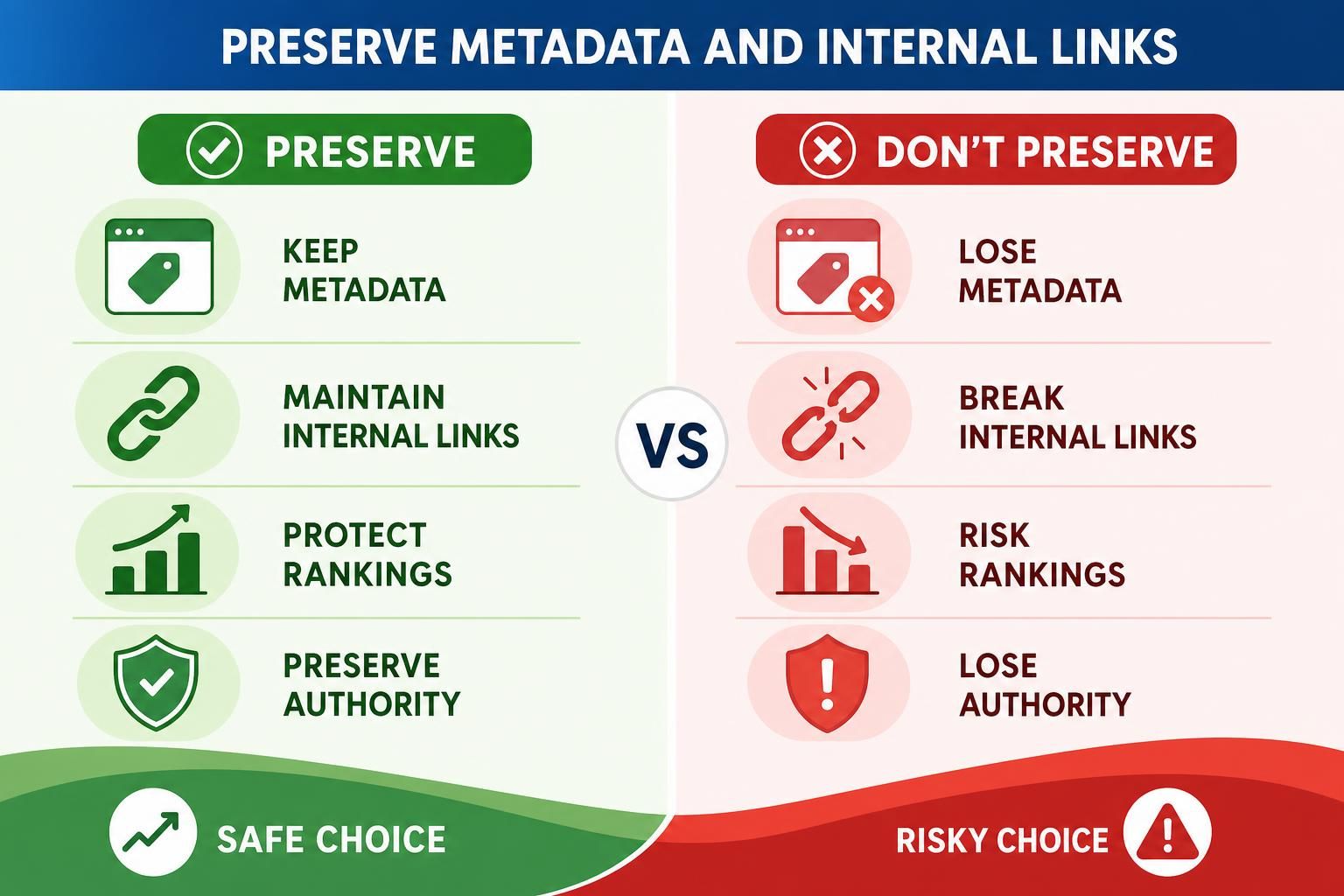
Your redirect map protects where pages go; metadata and internal links protect how search engines understand and prioritize them.
- Pull titles, meta descriptions, H1s, canonicals, image alt text, and schema into the same workbook as your URL mapping. Add analytics and GSC clicks and conversions beside each page so priority pages don’t get rewritten blindly.
- Keep proven metadata unless there’s a clear improvement. A redesign is a bad time to replace a ranking “Emergency Plumbing in Denver” title with a vague “Services” title.
- Match headings to the new page structure. Modernize copy, but don’t strip out the terms, FAQs, proof points, and service details that helped the page rank and convert.
- Rebuild internal links intentionally. Cleaner navigation is great, but not if it removes links to high-value service, location, or product pages. Use the redirect plan to update links to final URLs, not old URLs that rely on redirects.
- Check templates before launch. WordPress themes can ignore SEO plugin metadata, duplicate H1s, drop schema, or add heavy blocks that hurt page speed.
Add these items to post-launch monitoring so metadata, links, and priority pages are checked alongside GSC errors.
Check Speed, Mobile, and Indexability
Run the technical checks before launch, not after traffic drops. A beautiful redesign can still lose visibility if it’s slower, harder to crawl, or accidentally hidden from Google.
- Test page speed on key templates. Check the homepage, service pages, product/category pages, blog posts, and location pages in PageSpeed Insights or Lighthouse. Typical starting targets vary, but watch for heavy hero videos, oversized images, unused scripts, and bloated WordPress blocks.
- Review mobile layouts manually. Open priority pages on real phones, not just a browser preview. Check tap targets, sticky headers, forms, menus, and whether important internal links are still visible.
- Confirm indexability. Remove staging noindex tags, password protection, and blocking robots.txt rules before launch. WordPress sites are especially prone to carrying over “discourage search engines” settings from staging.
- Check canonicals, XML sitemaps, and final URLs. Canonical tags should point to live preferred URLs, your sitemap should contain indexable final URLs, and links should match your URL mapping instead of relying on redirects.
- Hand your development team a launch checklist covering redirects, analytics, GSC verification, internal links, and post-launch monitoring.
Post-launch SEO Checks

Once the new site is live, verify the migration against your plan instead of assuming the launch went cleanly.
- Open analytics and compare organic traffic, leads, and revenue on priority pages against your pre-launch benchmark. Some movement is normal, but sharp drops on previously strong URLs deserve a same-day check.
- Check Google Search Console for 404 errors, “Excluded by noindex,” blocked URLs, missing indexed pages, and unexpected drops in queries or pages. If GSC shows old service URLs returning 404s, match them back to your redirect map and fix the missing 301s.
- Crawl the live site with Screaming Frog, Sitebulb, or a similar tool. Look for broken internal links, redirect chains, temporary redirects, missing titles, duplicate canonicals, and pages that shouldn’t be indexable.
- Test important user journeys. Click from the homepage to your main service, location, product, and contact pages. A cleaner navigation isn’t helpful if it hides the pages that drive leads.
- Recheck page speed and mobile templates on real live URLs, not staging copies.
Use a simple 30-day monitoring rhythm: launch day for redirects, indexability, forms, and analytics; days 2-7 for crawl errors, 404s, and priority-page traffic; weeks 2-4 for query shifts, indexed pages, rankings, conversions, and pages that need internal link reinforcement.
Keep the crawl exports, URL mapping, redirects, analytics notes, and GSC findings in one shared file. If issues keep surfacing, resolve them before small migration problems turn into bigger performance gaps.
FAQ
Should I Keep All My Old Pages During a Redesign?
Keep pages that have organic traffic, backlinks, conversions, rankings, or clear business value. Merge weak overlapping pages, improve outdated ones, and remove only pages that don’t support search or users. Check analytics and GSC before cutting older blog posts, landing pages, service pages, or location content.
Do I Need a Redirect for Every Changed URL?
Yes, every changed URL should have a planned one-to-one 301 redirect to the closest relevant new page. Add it to your URL mapping file before launch. Don’t redirect everything to the homepage, and don’t rely on users or Google to figure it out after the redesign.
What’s the Biggest WordPress SEO Mistake During a Redesign?
A common WordPress issue is launching with staging settings still active, such as noindex, a blocking robots.txt rule, changed permalinks, or missing plugin-generated metadata. Before launch, check indexability, redirects, canonical tags, XML sitemaps, page templates, and any SEO plugin settings that control titles or descriptions.
How Long Should I Monitor SEO After Launch?
Monitor closely for at least the first few weeks, then keep checking priority pages after that. Typical timing varies by site size, crawl frequency, and market. Watch analytics, GSC, 404s, indexed pages, redirects, internal links, rankings, conversions, and page speed so you can fix issues before they compound.
Conclusion
An SEO-friendly website redesign comes down to controlled decisions: which pages stay, which URLs change, which redirects are needed, and which technical checks must pass before launch. The goal isn’t to freeze your old site in place; it’s to modernize it without losing the signals that already drive traffic and leads.
| Task | When | Owner | Tool/source | Pass/fail |
|---|---|---|---|---|
| Confirm crawl export and benchmarks | Before design approval | SEO lead | Crawler, analytics, GSC | |
| Map changed URLs and 301s | Before development freeze | SEO lead + developer | Redirect map | |
| Preserve metadata and internal links | During content migration | Marketing/content lead | Crawl export, CMS | |
| Test speed, mobile, and indexability | Staging | Developer | Lighthouse, robots.txt, sitemap | |
| Crawl live site and fix errors | Launch day + week 1 | SEO lead + developer | Crawler, GSC |
Use your crawl export, URL mapping, analytics, GSC data, internal link checks, and post-launch monitoring as your migration safety net. If you’re planning a redesign, start by reviewing the checklist with your SEO, content, and development owners before design decisions become launch risks.